

Key Takeaway: The best management software for a math tutoring center automates the student lifecycle to reduce administrative time by up to 60%. An all-in-one platform like Tutorbase replaces fragmented tools (spreadsheets, calendars, QuickBooks) to consolidate scheduling, automated billing, and complex payroll, which eliminates double-bookings and revenue leakage.
Math tutoring centers thrive on precision, yet many run on a chaotic mix of spreadsheets, calendars, and manual invoicing. This operational friction leads to double-booked teachers, missed payments, and over 10 hours of administrative work per week. The right management software doesn't just organize your schedule; it automates the entire student lifecycle, from lead capture to payroll, turning administrative overhead into a streamlined, scalable asset.
This guide reviews the 12 best management software for math tutoring centers, focusing on the core features that directly impact your bottom line: scheduling, billing, payroll, and multi-branch management. We've analyzed each platform to give you a clear assessment of its strengths and limitations, specifically for centers managing multiple locations and complex schedules for subjects like Algebra, Calculus, and SAT prep.
Inside this resource, you will discover:
- A detailed breakdown of top software solutions like Tutorbase, Teachworks, and TutorCruncher.
- Honest pros and cons based on real-world use cases for math-focused learning centers.
- Practical implementation considerations to ensure a smooth transition from your current system.
- Direct links and screenshots for each platform, allowing you to see the software in action.
1. Tutorbase
Tutorbase is an AI-powered management platform that replaces Teachworks, TutorCruncher, and spreadsheet-based operations. It is the best software for math tutoring centers with 5-100+ teachers aiming to scale across multiple branches. It consolidates scheduling, billing, payroll, room management, and student tracking into one platform, reducing admin time by over 60%.
For math centers managing multiple grade levels, subjects like Algebra or Calculus, and various instructors, Tutorbase's intelligent scheduling is a standout. Its "Find Slot" feature uses AI to instantly suggest optimal teacher, room, and time combinations, cutting booking time from 10+ minutes to under 2 minutes. This functionality is engineered to prevent double-bookings and calendar conflicts, a common pain point for centers juggling dozens of weekly classes across several locations.
Why is Tutorbase ideal for scaling math centers?
Tutorbase excels in automating complex operational workflows that are often manual in other systems. Instead of just tracking attendance, it uses that data as a trigger to automatically generate accurate invoices and calculate intricate teacher payroll. This direct link ensures that if a lesson happens, it gets billed and paid correctly without intervention, preventing revenue leakage.
The platform's pricing and policy engine is particularly robust. You can create layered rules that apply globally, per location, per service, or even to a specific student. This flexibility is ideal for math centers offering varied programs like hourly tutoring, SAT prep packages, and monthly subscriptions, each with its own cancellation or trial lesson policies.
In-Depth Feature Analysis
- AI-Powered Scheduling: The "Find Slot" feature instantly generates all valid teacher/room/time combinations for a new booking. "Find Spot" filters existing classes with open seats by subject and level, maximizing group utilization and preventing double-bookings.
- Automated Billing: The system ties student attendance directly to billing. When a tutor marks a student as "Attended," the platform automatically generates the corresponding invoice from preset pricing rules, eliminating manual entry in QuickBooks. It also supports native prepaid credit wallets and packages.
- Complex Payroll: Tutorbase supports highly variable pay structures common in tutoring, such as per-hour, per-student bonuses, revenue sharing models, or premium rates for specific subjects (e.g., AP Calculus). This automates payroll calculations that are typically done in spreadsheets.
- Multi-Branch Management: Native support for multiple locations, room capacity tracking, and even a multi-brand portal provides the infrastructure needed to scale from one to over ten branches. It also includes a WhatsApp lead-capture widget that feeds directly into its CRM.
Pros and Cons
Pros:
- Comprehensive Automation: Connects scheduling, billing, and payroll to eliminate manual work and reduce errors.
- AI-Assisted Scheduling: Drastically reduces the time and effort needed to book lessons and prevents double-bookings.
- Advanced Payroll & Pricing: Accommodates complex teacher compensation and flexible service packages.
- Scalability: Designed to support multi-location and multi-brand centers with high lesson volumes (up to 10,000+ per week).
Cons:
- Opaque Pricing: You must contact the sales team for a demo and quote, as no public pricing is listed.
- Potential Overkill for Small Operations: The feature-rich environment may be more than what a single solo tutor needs and requires an initial setup period to maximize its value.
Website: https://tutorbase.com
2. Teachworks
Teachworks is a highly regarded and versatile platform, making it one of the best management software options for math tutoring centers that have scaled or plan to scale across multiple locations. It excels at consolidating operations, offering a “Master Account” feature that provides a unified dashboard for overseeing scheduling, billing, and reporting across all branches. This is a significant advantage for franchise owners or directors managing regional chains.
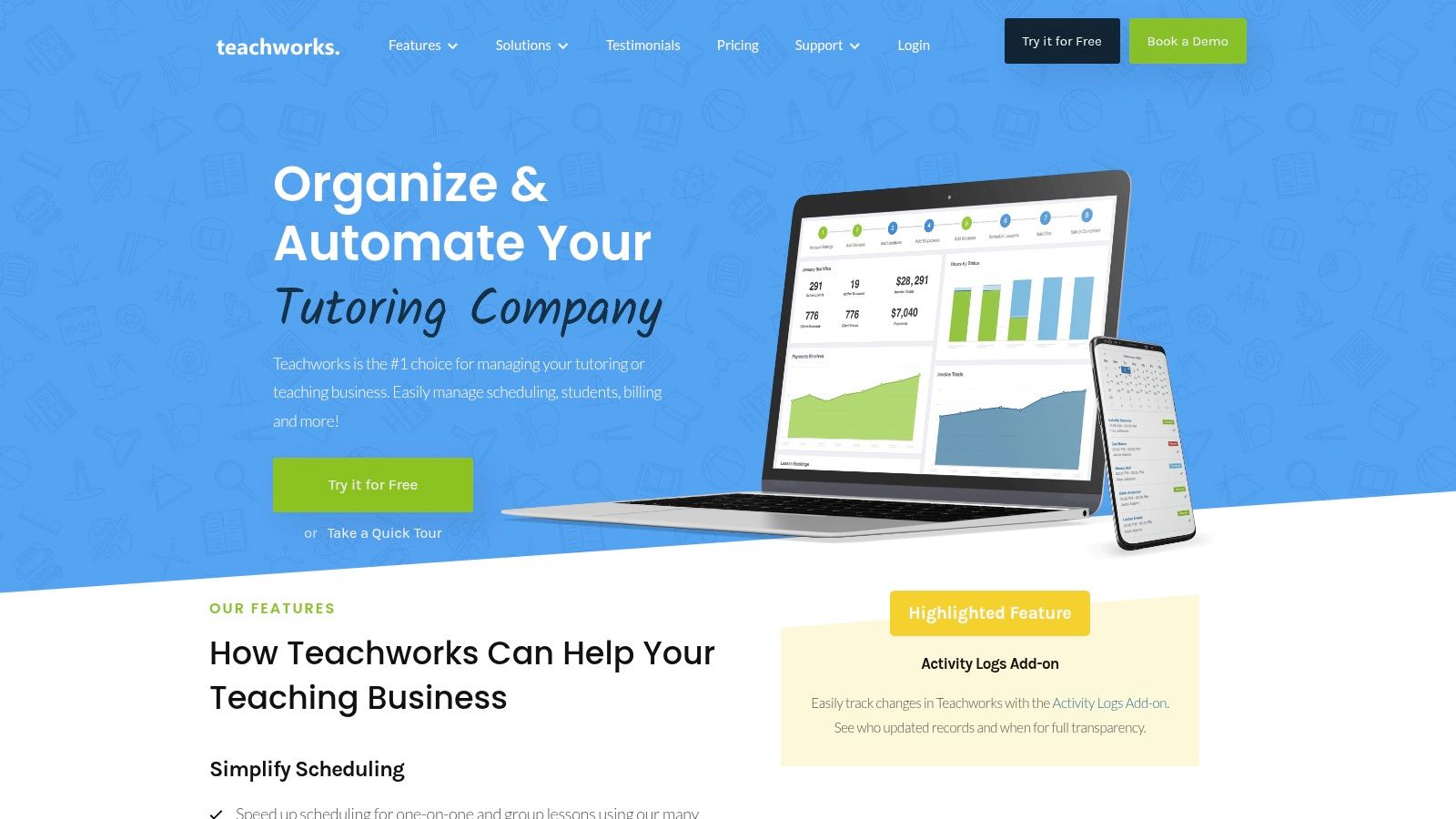
The platform’s strength lies in its flexible billing architecture. Centers can implement various models simultaneously, including calendar-based invoicing, prepaid packages, or flat-rate subscriptions. This adaptability is perfect for math tutoring programs that might offer hourly homework help alongside fixed-price SAT prep courses.
Key Features and Pricing
Teachworks uses a usage-based pricing model, which can be both a pro and a con. The cost is calculated based on the number of student-lessons per month, making it affordable for centers with fluctuating seasonal demand. However, this also means costs can spike during peak periods like exam season.
- Multi-Branch Management: A standout feature for growing businesses needing standardized processes.
- Billing Flexibility: Supports hourly, package, and flat-fee invoicing.
- Add-Ons and API: Expands functionality, but be aware that some automation features require separate add-ons, adding to the setup complexity and potential cost.
While it is a powerful tool for large-scale operations, its payroll capabilities are more suited for basic hourly calculations. Centers with complex, tiered, or revenue-share payroll models may find it less robust than newer, more specialized platforms.
3. TutorCruncher
TutorCruncher is a robust back-office platform designed for tutoring businesses aiming to streamline their administrative tasks, particularly billing and payments. It is one of the best management software for math tutoring centers that prioritize brand consistency and seamless financial integrations. The platform excels at automating invoice generation and tutor payments, including complex scenarios like split payments between multiple parties. This is especially useful for centers that work with independent contractors or have various commission structures.
The system’s strength lies in its comprehensive CRM and pipeline management features, which help track leads from initial inquiry to conversion. Its calendar includes useful lesson reports and automated reminders via email and SMS, reducing no-shows. For math tutoring centers offering diverse programs, TutorCruncher’s flexible billing supports subscriptions, prepaid packages, and standard per-lesson models, all while integrating directly with accounting software like Xero and QuickBooks.
Key Features and Pricing
TutorCruncher offers transparent, usage-based pricing with a public calculator, so you can estimate costs based on tutor numbers. This model is great for growing businesses, but remember that card processing fees and costs for advanced support packages are additional. A review of various tuition management systems highlights TutorCruncher's straightforward approach.
- Automated Billing and Payroll: Automatically generates invoices and can handle complex tutor payment scenarios, including split payments.
- Financial Integrations: Connects directly with major accounting platforms like Xero, QuickBooks, and Sage for streamlined bookkeeping.
- Flexible Billing Models: Supports a variety of payment structures, from pay-as-you-go lessons to fixed-term subscriptions and lesson packages.
While its financial automation is a major draw, its core scheduling and payroll functions are more conventional compared to newer, AI-driven platforms. Centers managing complex, multi-branch room logistics or requiring highly sophisticated payroll calculations may find it less powerful than specialized, all-in-one alternatives.
4. LearnSpeed
LearnSpeed is a robust tutor management software that appeals to centers valuing detailed operational oversight and straightforward, usage-based pricing. It focuses on core administrative functions, offering comprehensive tools for scheduling, attendance tracking, billing with integrated payments, and payroll. This makes it a strong contender for math tutoring centers that require deep reporting capabilities to manage operational efficiency and financial health.
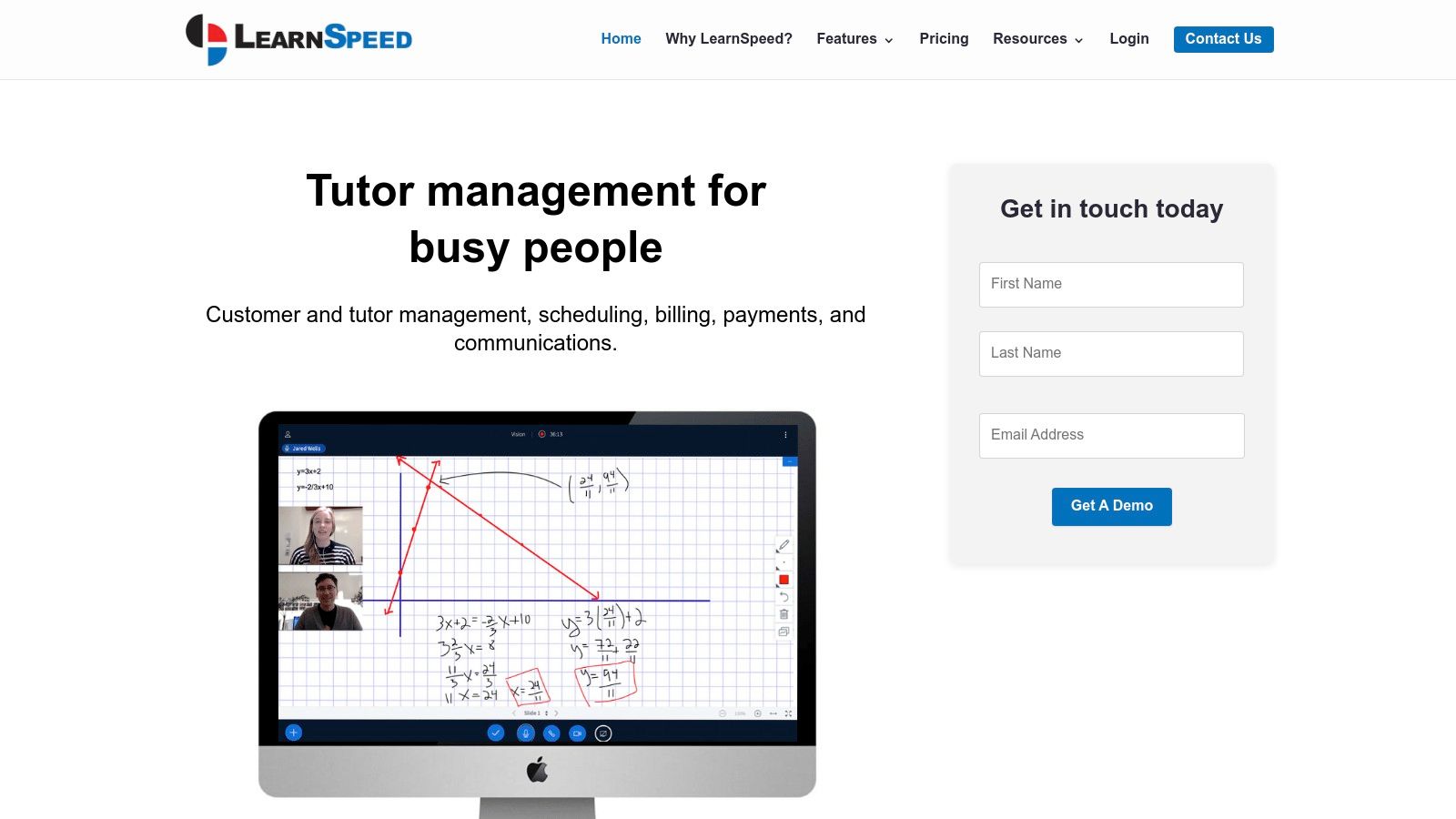
The platform’s per-session pricing model is a key differentiator, making it particularly cost-effective for centers with seasonal fluctuations, such as those focusing on exam prep. One-click invoicing and integrated ACH and card payments simplify the billing cycle, reducing the administrative load on staff. Its calendar system, complete with recurring events and automated reminders, helps minimize no-shows and keep schedules organized.
Key Features and Pricing
LearnSpeed’s value proposition is its blend of simplicity in pricing with complexity in reporting. The pay-per-session model means you only pay for what you use, which is excellent during quieter months. However, rapidly growing centers should forecast costs, as this model may become more expensive than a flat-rate subscription at very high lesson volumes.
- Deep Reporting: Access to over 100 operational and payroll reports provides granular insight into business performance.
- Usage-Based Pricing: A simple, per-session cost structure that helps manage expenses during seasonal slow periods.
- Integrated Payments: Streamlines the collection process with built-in ACH and credit card processing, including refunds.
While its payroll tools and reporting are extensive, a notable limitation is its QuickBooks integration, which relies on the older Web Connector. This may present a technical hurdle for centers that are not using a Windows-based system for their accounting or prefer more modern, direct API integrations.
5. Oases Online
Oases Online is an end-to-end management platform particularly well-suited for math tutoring centers that prioritize academic tracking and structured learning plans. It distinguishes itself with robust tools for assessments, progress monitoring, and creating individualized student pathways. This makes it an excellent choice for centers focused on test preparation, skill-building, and demonstrating tangible academic growth to parents.
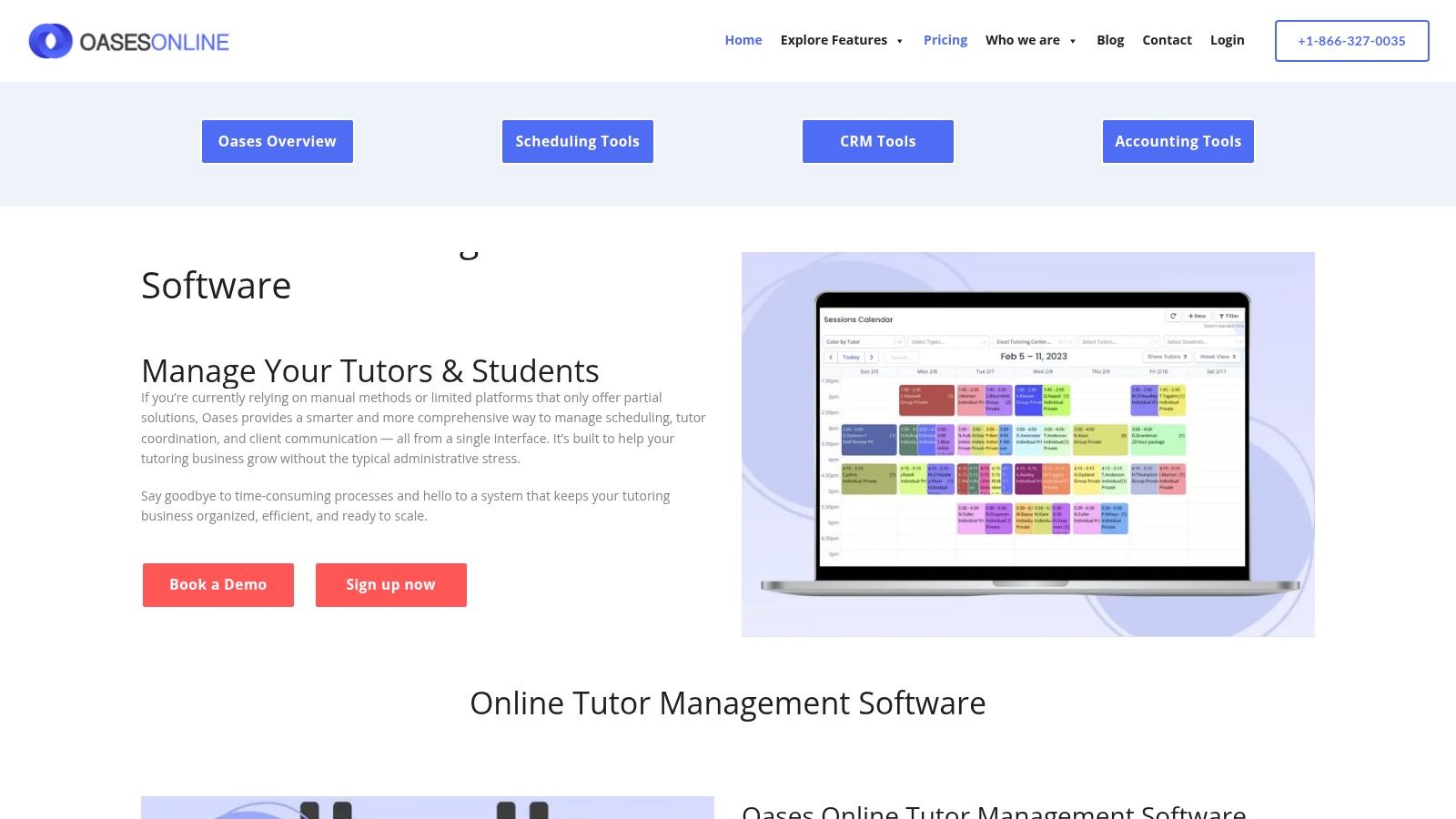
The platform’s billing is structured around the number of active students, which aligns costs directly with your center's enrollment and revenue. This predictable pricing model is a significant advantage for businesses that need to manage cash flow carefully. It also supports multiple invoicing modules, allowing centers to bill individual families differently than corporate or school contracts, all from a single system.
Key Features and Pricing
Oases Online uses a tiered pricing model based on active students, with plans automatically pro-rating as you grow. This offers predictability, but costs can become substantial for larger centers, as higher tiers can reach $499–$699 per month. Be aware that some advanced features, like premium support or specific assessment tools, may come as optional add-ons at an extra fee.
- Assessment & Learning Plans: A core strength, enabling data-driven instruction and progress reporting.
- Predictable Billing: Per-active-student pricing model makes monthly costs easy to forecast.
- Multi-Location Tracking: Provides tools to manage operations and reporting across different branches.
- Flexible Invoicing: Capable of handling both individual B2C and contract-based B2B billing.
While its academic features are comprehensive, the user interface can feel less modern compared to newer platforms. However, its focus on learning outcomes makes it a strong contender among the best management software for math tutoring centers that sell results. To understand how to evaluate such features during a live demonstration, you can review this software demo buyer's guide.
6. Teach ’n Go
Teach ’n Go presents a refreshingly straightforward approach to tutoring center management, making it an excellent choice for centers prioritizing simplicity and predictable costs. The platform bundles all its core features, including scheduling, attendance, and billing, into every pricing tier, ensuring that even small but growing math tutoring businesses have access to a full suite of tools without needing expensive add-ons.
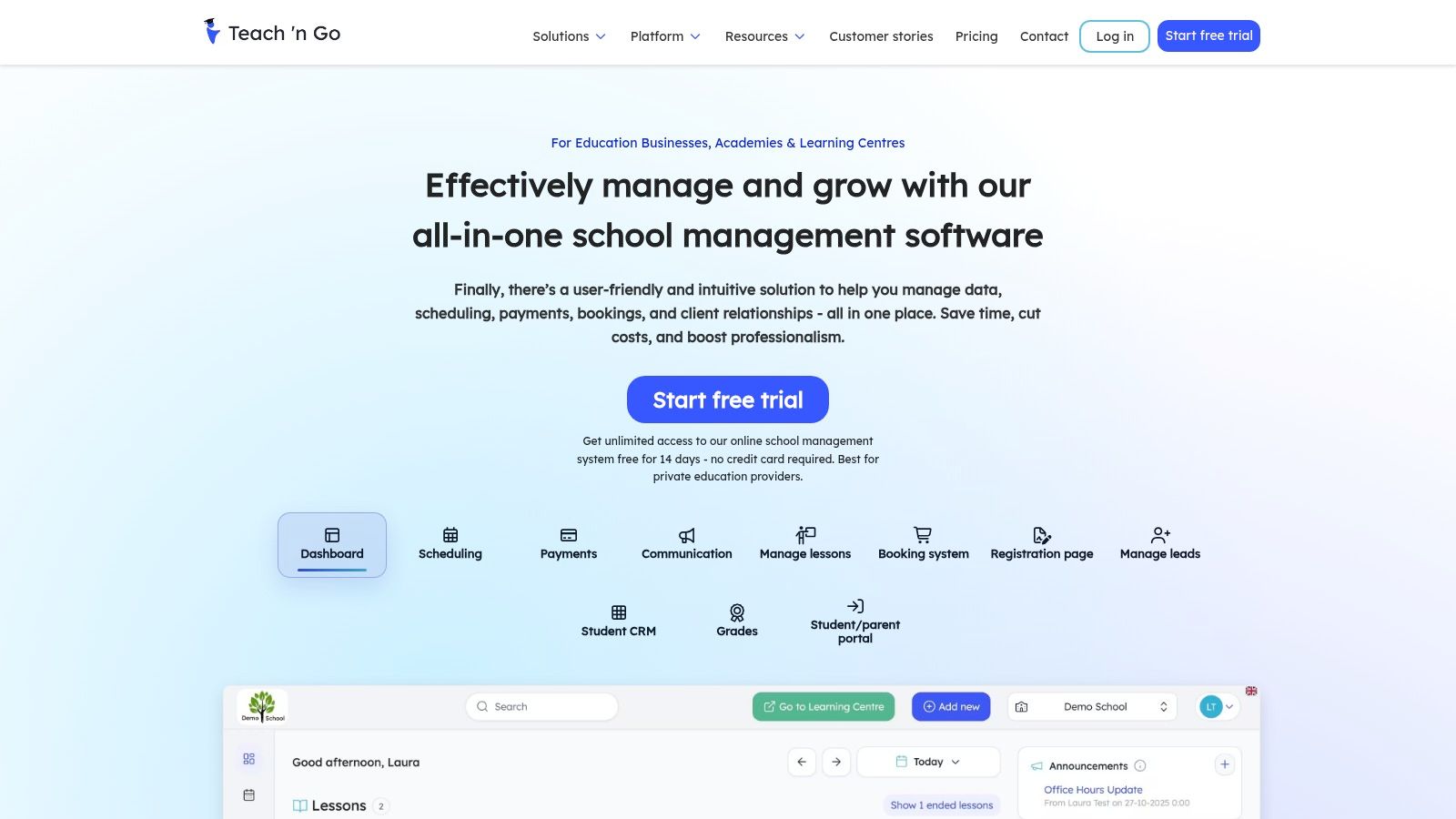
The platform’s standout characteristic is its pricing model, which scales based on the number of active students. This structure is particularly beneficial for centers that want to add unlimited teachers or classes without incurring extra fees, allowing for operational expansion without immediate cost increases. This makes it one of the best management software for math tutoring centers that are focused on growing their instructor base or course offerings.
Key Features and Pricing
Teach ’n Go’s all-inclusive tiers provide clarity and value. The ability to start a 14-day trial without entering credit card details lowers the barrier to entry for owners who want to test the software thoroughly. However, while the core platform is robust, advanced support services come at an additional cost.
- All-Inclusive Tiers: Every feature is available at every price point, scaling only with student count.
- No-Card Trial: Offers a risk-free opportunity to explore the software’s full capabilities.
- Optional Premium Services: Paid onboarding, data migration, and training are available for centers needing hands-on setup assistance.
While the software is user-friendly, its pricing is displayed in both EUR and USD, so it's wise to confirm the final currency during checkout. It is a solid, no-fuss solution for centers that need a complete system from day one.
7. Jackrabbit Class
Jackrabbit Class positions itself as a robust solution for class-based businesses, extending its functionality well into the academic tutoring space. It is particularly effective for math tutoring centers that structure their offerings around group classes, seasonal camps, or multi-session workshops rather than exclusively one-on-one appointments. The platform provides a comprehensive suite for managing the entire student lifecycle, from initial online registration to automated tuition billing.
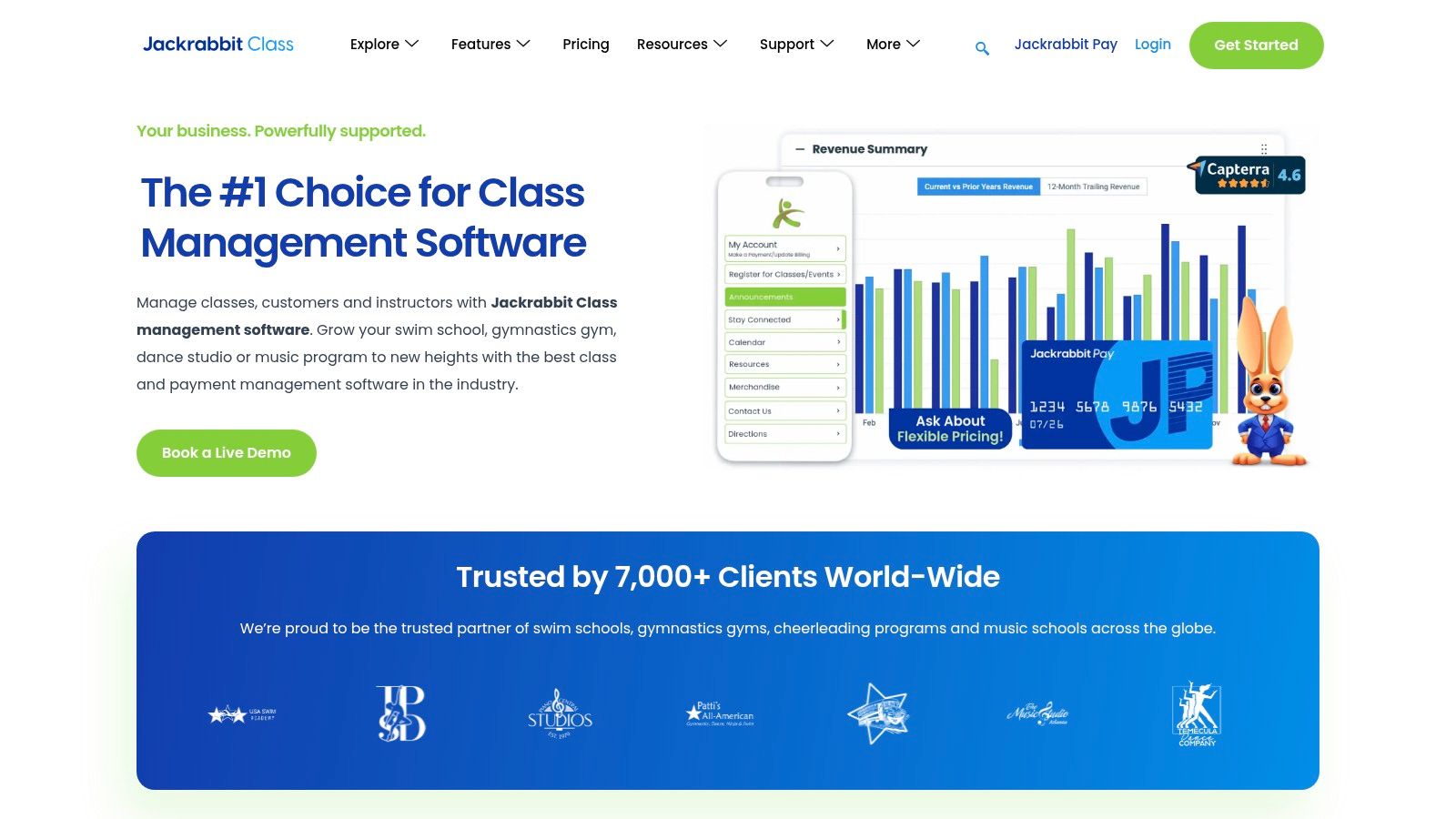
Its strength is in streamlining high-volume class administration. Centers running multiple sections of an SAT math prep course, for example, can manage enrollment, waitlists, and recurring payments for all groups from a central dashboard. This class-centric model simplifies operations for programs where the schedule is more fixed and less focused on individual tutor availability.
Key Features and Pricing
Jackrabbit Class uses a tiered pricing model based on the number of active students, which makes costs predictable. All core features are included in every plan, avoiding surprise fees for essential functions. However, premium features like a branded mobile app require upgrading to the Jackrabbit Plus add-on.
- Group Class Management: Excels at handling registration, scheduling, and billing for multi-student classes and camps.
- Generous Onboarding: Offers free data import support and a 90-day money-back guarantee, reducing the risk of adoption.
- Optional Mobile App: The Jackrabbit Plus add-on provides a branded app for parents, enhancing communication and engagement.
While powerful for class-based models, its design originates from activity centers like swim and dance schools. Math tutoring centers focused heavily on flexible, one-on-one scheduling may need to adapt their workflows to fit the platform’s structure, which can feel less intuitive than software built specifically for academic tutoring.
8. Sawyer for Business (Hisawyer)
Sawyer for Business is designed for providers of children's activities, which makes it a strong contender for math tutoring centers that also run camps, after-school programs, or semester-based courses. Its main differentiator is the optional Sawyer Marketplace, a platform where parents actively search for local classes. This provides a built-in demand generation channel that can be invaluable for centers looking to attract new students without a massive marketing budget.
The platform excels in managing complex scheduling for group activities like math camps or multi-week SAT prep cohorts. It supports sophisticated pricing structures, including memberships, drop-in rates, and tiered semester packages, all handled through Stripe for seamless payment processing. The user interface is clean and geared towards making registration easy for parents, reducing friction in the sign-up process.
Key Features and Pricing
Sawyer’s pricing is structured across three tiers (Launch, Grow, Scale), with the entry-level "Launch" plan charging a 2% transaction fee instead of a monthly subscription. This model is ideal for new centers testing the waters. However, businesses should be mindful of the marketplace referral fees, which can range from 15% to 30% for students acquired through that channel.
- Marketplace Exposure: An optional feature to list your math programs on a platform parents use to find activities, driving new leads.
- Flexible Program Pricing: Easily manage pricing for camps, semesters, and memberships, a key strength for centers with diverse offerings.
- Transaction-Based Entry Plan: The "Launch" plan avoids a fixed monthly cost, making it accessible for startups, though costs scale with revenue.
While Sawyer offers excellent tools for program and camp registration, it's less tailored for the granular, one-on-one lesson management that some of the best management software for math tutoring centers provide. Its strength lies more in group scheduling and marketing than in the deep operational automation for individual tutoring.
9. Acuity Scheduling
Acuity Scheduling, now part of Squarespace, is a popular choice for tutoring centers that prioritize a polished, client-facing booking experience. It is not an all-in-one system, but rather a best-in-class scheduling engine that can be integrated with other tools. This makes it ideal for new or smaller math tutoring businesses that need a fast, professional, and affordable way for parents to book and pay for sessions online without the complexity of a full ERP.
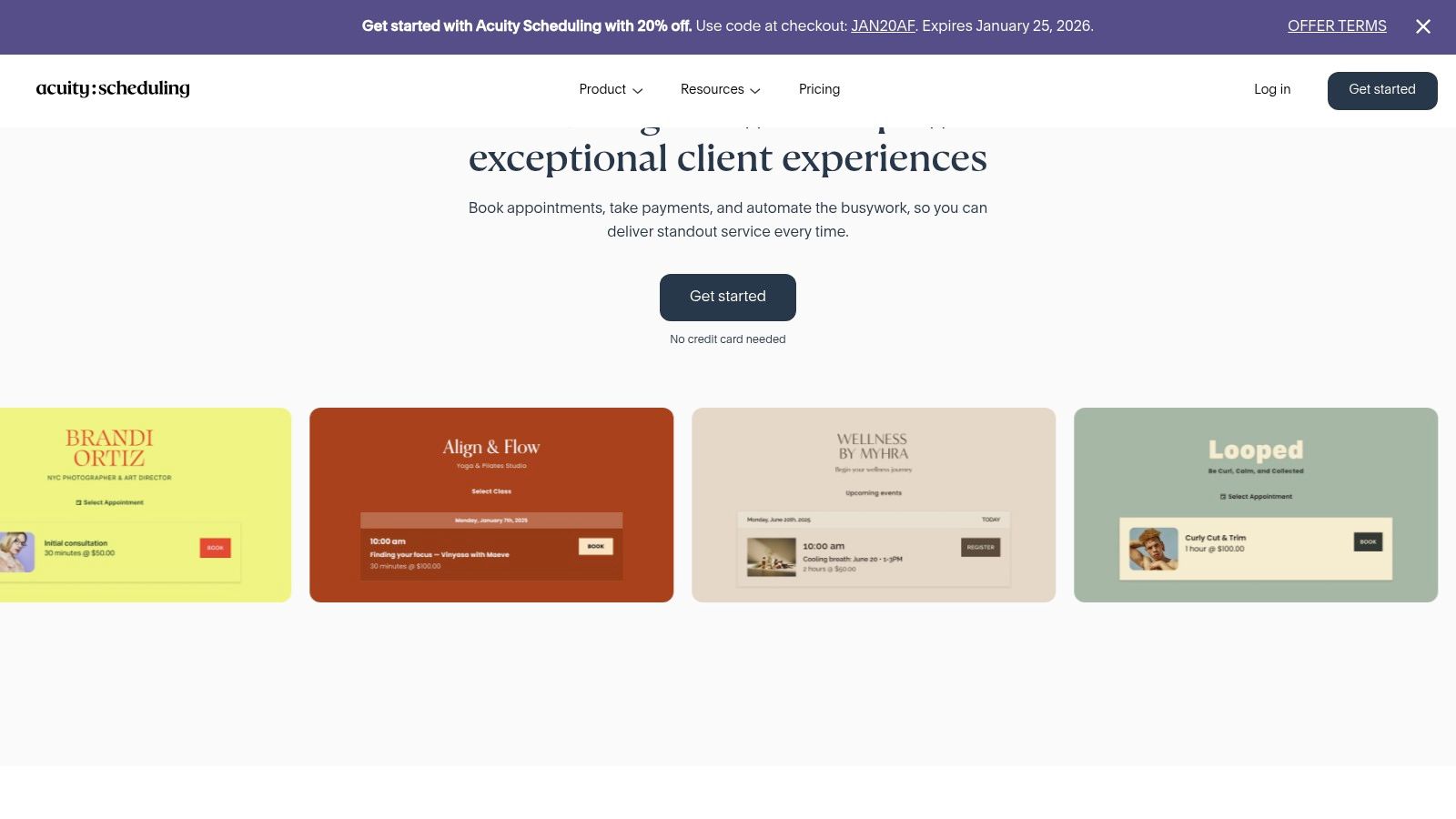
The platform shines in its simplicity and automation of the booking process. Automated email and SMS reminders reduce no-shows, and its ability to sell session packages or memberships makes it a viable starting point for recurring revenue models. It integrates directly with major payment gateways like Stripe and PayPal, streamlining the payment collection process at the point of booking.
Key Features and Pricing
Acuity’s pricing is tiered and highly competitive compared to dedicated tutoring software, making it accessible for solo tutors or small centers. However, its core function is scheduling, so it lacks the deep operational features for billing and payroll that define a complete management system. This is a critical trade-off to consider.
- Self-Scheduling Portal: A clean, user-friendly interface for parents to book appointments, classes, or purchase packages.
- Automated Reminders: Reduces administrative burden by automatically sending confirmation and reminder notifications.
- Payment Integration: Collects payments upfront via Stripe, Square, or PayPal, improving cash flow.
While its polished front-end is a major advantage, centers will need to pair it with separate accounting and payroll software. This modular approach can work well for businesses that already have systems in place, but it may create data silos for those seeking a single source of truth for their operations.
10. G2 — Tutoring Software Category
Instead of being a single software, G2 is a valuable research platform where you can validate vendor claims against real user feedback. Its dedicated "Tutoring Software" category aggregates dozens of products, allowing you to filter options and compare them side-by-side. This is an essential step for any math tutoring center looking to make an informed decision before committing to a new system.
The platform’s strength is its user-generated content. You can read detailed pros and cons from people who have actually used the software for their businesses. This provides candid insights into a tool’s real-world performance, customer support quality, and ease of implementation, which you won't find in marketing materials. It’s a great way to cross-reference the features listed on a vendor's website with actual user satisfaction.
Key Features and Pricing
G2 is free to browse for buyers. Its value comes from the aggregated data and comparison tools, which help you create a shortlist of the best management software for your math tutoring center.
- User Reviews and Ratings: Provides unfiltered feedback on software usability, features, and support.
- Side-by-Side Comparisons: Allows you to select multiple products and directly compare their features and satisfaction scores.
- Category Filters: Narrow down options by business size (SMB, Mid-Market, Enterprise) to find solutions relevant to your center's scale.
A key limitation is that sponsored placements and vendor-encouraged reviews can sometimes bias visibility. Additionally, the category often includes tools like pure Learning Management Systems (LMS) or virtual classrooms, so you’ll need to filter carefully to find comprehensive administrative platforms.
Visit G2 — Tutoring Software Category
11. Capterra — Tutoring Software Directory
While not a management platform itself, Capterra is an indispensable research tool for any math tutoring center owner vetting software options. As a comprehensive directory owned by Gartner Digital Markets, it aggregates hundreds of software solutions, allowing you to filter, compare, and read user reviews in one place. This makes it an excellent starting point for building a shortlist of potential platforms.
The platform is particularly useful for getting a quick, high-level overview of pricing models and core features. You can easily scan what vendors like TutorCruncher or Teachworks offer and see how they stack up against newer entrants. For owners in the early stages of their search, Capterra provides the market context needed to make an informed decision.
Key Features and Pricing
Capterra is free to use for software buyers. Its value comes from its aggregated data, but it's important to use it critically. Sponsored placements can influence the order of results, so always look beyond the first few listings. Also, the "tutoring software" category sometimes includes general-purpose learning management systems (LMS) that lack the specific billing and scheduling tools a math center needs.
- Comparative Directory: Filter by features, pricing, and user ratings to narrow your search.
- User Reviews: Provides authentic feedback from real users, highlighting both strengths and weaknesses.
- Pricing Snapshots: Offers a quick look at starting prices and different tiers, which helps in budget planning.
Ultimately, Capterra is a powerful first step in finding the best management software for your math tutoring center. Use it to create a shortlist of 3-5 candidates, then visit those vendors’ websites for demos and deeper dives.
Visit Capterra — Tutoring Software Directory
12. GetApp — Tutoring Software Category
Instead of being a single software, GetApp is a comprehensive discovery platform that acts as a strategic starting point for your research. Part of the Gartner Digital Markets family, it compiles and categorizes over 80 different tutoring tools, providing a broad overview of the market. This is invaluable for math tutoring centers wanting to compare emerging, niche, or SMB-focused options against established industry players.
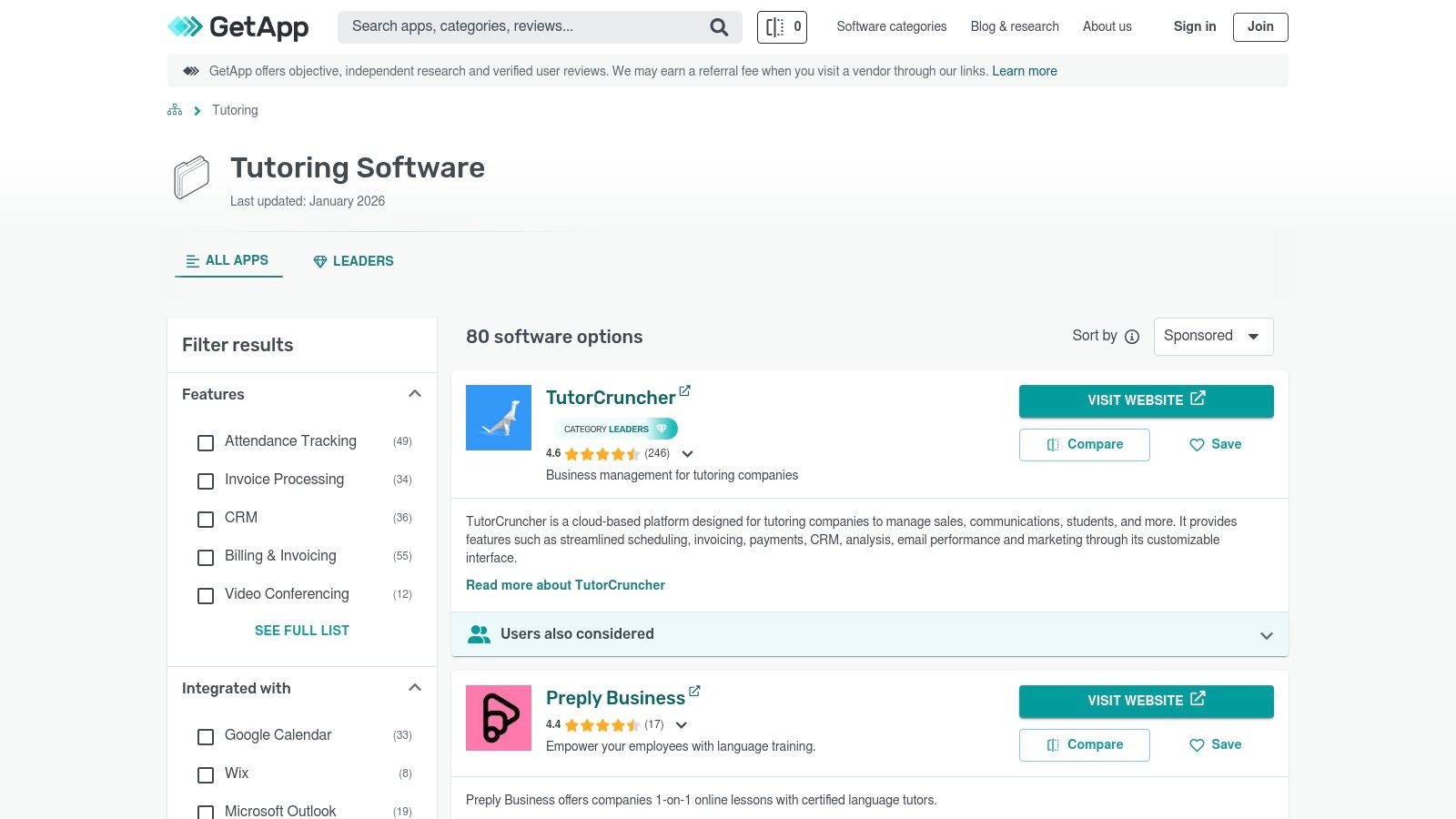
The platform’s real strength is its granular filtering system. A center owner can quickly narrow down the list by specific needs, such as "online class management," "multi-branch support," or "payroll management." This focused approach helps you quickly build a shortlist of vendors that genuinely match your operational requirements, saving countless hours of manual research.
Key Features and Pricing
GetApp itself is free to use for buyers. It makes money through vendor listings and promotions. Its primary value is in providing feature comparisons, user reviews, and quick links to vendor websites for trials or demos. The platform curates a "Category Leaders" report annually, which can be a good signal for market-proven solutions.
- Granular Feature Filtering: Allows you to find tools that solve specific problems, like automated invoicing or room capacity tracking.
- Vendor Discovery: An excellent resource for identifying newer or specialized software that might not appear in typical search results.
- Direct Trial Links: Conveniently connects you to vendor sites to start free trials, streamlining the evaluation process.
A key consideration is that the list often includes general-purpose scheduling tools alongside comprehensive tutoring ERPs. It’s crucial to vet each option to ensure it’s truly built for the complexities of a multi-tutor, multi-student environment. Also, be aware that sponsored profiles can influence visibility, so it's wise to look beyond the top-listed results.
Visit GetApp — Tutoring Software Category
Top 12 Math Tutoring Center Management Software Comparison
| Product | Core features | Target audience | Unique selling points | Pricing / Notes |
|---|---|---|---|---|
| Tutorbase (Recommended) | AI scheduling, auto-billing from attendance, complex payroll, multi-branch room management, CRM with WhatsApp widget | Tutoring centers & language schools (5–100+ teachers) running 50–10k lessons/wk | AI-powered "Find Slot" prevents double-bookings; native prepaid credit wallet; multi-brand support | Contact sales for demo/quote; built for scale |
| Teachworks | Scheduling, billing, payroll, multi‑branch master account | Centers needing consolidated reporting and high volume support | Scales to high volume; clear US pricing and online calculator | Usage‑based fees; some automation via add‑ons |
| TutorCruncher | Scheduling, CRM/pipeline, invoicing, payments, payroll, accounting integrations | Tutoring companies wanting automated billing & branded invoices | Split payments; subscriptions/packages; Xero/QuickBooks integrations | Transparent entry pricing; card/transaction fees apply |
| LearnSpeed | Scheduling, attendance/feedback, integrated payments, payroll, reporting | Centers preferring per‑session pricing and deep operational reports | One‑click invoicing; 100+ reports; optional classroom | Per‑session costs may rise at scale; QuickBooks Web Connector |
| Oases Online | Scheduling, invoicing modules, assessments, learning plans, multi‑location | Academic programs focused on assessment and progress tracking | Predictable per‑active‑student billing; strong assessment tools | Tiered pricing by active students; higher tiers can be costly |
| Teach ’n Go | Scheduling, attendance, messaging; all‑features tiers with onboarding options | Language schools and tutoring centers needing quick rollout | Unlimited teachers/classes per tier; no‑card 14‑day trial; onboarding services | Currency displays EUR/USD; premium onboarding extra |
| Jackrabbit Class | Registration, scheduling, tuition/fee schedules, reporting, optional mobile app | Class‑based businesses (music, swim, activity schools, tutoring) | Tiered student pricing; free data import; 90‑day money‑back guarantee | Some mobile/BI features are paid add‑ons; may need tutoring config |
| Sawyer for Business (Hisawyer) | Registration, scheduling, billing, marketplace distribution, Stripe payments | After‑school, camps, activity providers seeking demand gen | Marketplace exposure and provider widgets; clear plan tiers | Marketplace take rates; Launch plan charges per‑transaction fees |
| Acuity Scheduling | Self‑scheduling, confirmations/reminders, packages, payment integrations | Businesses needing polished scheduling (not full back‑office) | Fast setup; polished UX; competitive scheduling price | Not tutoring‑specific — needs extra tools for billing/payroll |
| G2 — Tutoring Software Category | User reviews, ratings, category filters, product comparisons | Buyers researching and validating software choices | Broad real‑user feedback and satisfaction metrics | Free to browse; sponsored badges can bias visibility |
| Capterra — Tutoring Software Directory | Vendor listings, pricing snapshots, reviews, filters | Buyers building shortlists and checking starter pricing | Easy scan of pricing/features across vendors | Sponsored placements may affect ordering |
| GetApp — Tutoring Software Category | Category pages, granular filters, trial links, category leaders | SMB buyers discovering tools and trials | Good for finding emerging SMB‑focused tools; direct trial links | Includes general schedulers; sponsored profiles affect visibility |
How do I choose the right management software?
Choosing the right software is a pivotal step in transforming your math tutoring center from a manually-run operation into a scalable, efficient business. The "best" software is not a one-size-fits-all answer; it's the one that directly solves your most pressing administrative bottlenecks, such as double-bookings or manual invoice creation. Your decision should be grounded in your center's specific stage of growth and future ambitions.
A solo tutor might initially find a simple scheduler like Acuity sufficient, but a growing center with multiple teachers will quickly find its limitations. The real challenge, as many owners discover, lies in the disconnected processes. When scheduling, attendance, billing, and payroll operate in separate silos, you create hours of manual work, introduce the risk of human error, and lose visibility into your center’s financial health.
Your Actionable Decision-Making Framework
To move forward, shift your mindset from simply finding a scheduler to investing in an operational backbone for your business. Use this framework to guide your final selection:
Audit Your Time: For one week, track every minute your team spends on administrative tasks. How many hours are dedicated to creating invoices or calculating payroll? If you spend over 10 hours a week on these tasks, a comprehensive system like Tutorbase can deliver an immediate ROI by automating them.
Map Your Core Workflows: Whiteboard your process from lead inquiry to a paid invoice. Identify every manual handoff. Where do double-bookings occur? Where does billing information get lost? The ideal software should automate these specific weak points, connecting attendance directly to invoicing and payroll without manual intervention.
Prioritize by Growth Stage:
- Solo to Small Team (1-5 Teachers): Your primary need is automating scheduling and basic invoicing. Look for tools with low startup costs and a clean user interface.
- Growing Center (5-20 Teachers): Focus on systems that offer robust, automated billing (like prepaid credits), complex payroll calculations, and dedicated parent/teacher portals. This is where the limitations of basic tools become most apparent.
- Multi-Branch Operation (20+ Teachers): Your non-negotiables are centralized multi-location management, room and capacity tracking, and granular reporting. The ability to manage everything from a single dashboard is paramount.
What should I do after choosing a platform?
Once you've chosen a platform, treat its implementation as a strategic project. Designate a "champion" on your team to lead the migration, and ensure everyone receives proper training. The goal is not just to adopt new software but to fundamentally improve your operational processes. Remember that a powerful tool also requires a clear understanding of your customer journey. For tutoring centers exploring broader management solutions, this comprehensive guide to CRM software for small business can provide valuable insights.
Ultimately, selecting the best management software for your math tutoring center is an investment in your future. It's about reclaiming your time, empowering your staff, and building a scalable foundation that allows you to focus on what truly matters: providing world-class math education to your students.
Ready to eliminate administrative chaos and see how much time you can save? Tutorbase was built by tutoring center owners to solve these exact challenges, consolidating scheduling, billing, payroll, and multi-branch management into one intelligent platform. Our customers reduce admin time by 60% and achieve zero double-bookings. Get started at Tutorbase today.
Frequently Asked Questions (FAQ)
What is tutoring center management software?
Tutoring center management software is a specialized platform designed to automate and streamline the administrative operations of a tutoring business. It typically consolidates features like student scheduling, automated invoicing, teacher payroll, parent communication, and multi-location management into a single system, replacing fragmented tools like spreadsheets and calendars.
Why do math tutoring centers need special software?
Math tutoring centers often deal with complex scheduling across various subjects (Algebra, Geometry, Calculus), levels (K-12, AP, SAT), and teacher specializations. Specialized software automates these intricate booking needs, prevents double-booking errors, manages room capacity for group sessions, and handles diverse pricing models like per-hour rates, package deals, and subscriptions, which generic schedulers cannot.
How does management software reduce administrative time?
Management software reduces administrative time by automating repetitive tasks. For example, it can automatically generate invoices based on attended lessons, calculate complex teacher payroll based on pre-set rules, and send automated reminders for upcoming classes and overdue payments. This automation can reduce admin workload by over 60%.
Can this software handle multiple locations?
Yes, robust tutoring management software like Tutorbase is built to handle multi-branch operations. It provides a centralized dashboard to manage schedules, staff, billing, and reporting across all locations, ensuring consistent processes and clear visibility for owners and operations managers.
What is the difference between a CRM and tutoring management software?
A CRM (Customer Relationship Management) system focuses on managing leads and the sales pipeline. Tutoring management software is a more comprehensive solution that includes CRM features but also manages the entire student lifecycle post-conversion, including scheduling, attendance, billing, payroll, and academic progress tracking.
How does automated invoicing work for a tutoring center?
Automated invoicing connects lesson attendance directly to your billing system. When a tutor marks a student as "Attended," the software automatically creates an invoice based on the student's specific pricing plan (e.g., hourly rate, package deduction). This eliminates manual data entry and ensures every completed lesson is billed accurately.
What payroll models can tutoring software support?
Advanced tutoring software can support a variety of complex payroll models beyond simple hourly rates. This includes per-lesson or per-student rates, revenue sharing percentages, base salary plus variable bonuses, and premium pay for specific subjects, timeslots (e.g., weekends), or teacher qualifications.


